
Follow these simple steps to digitally sign premium finance agreements directly in PBS.
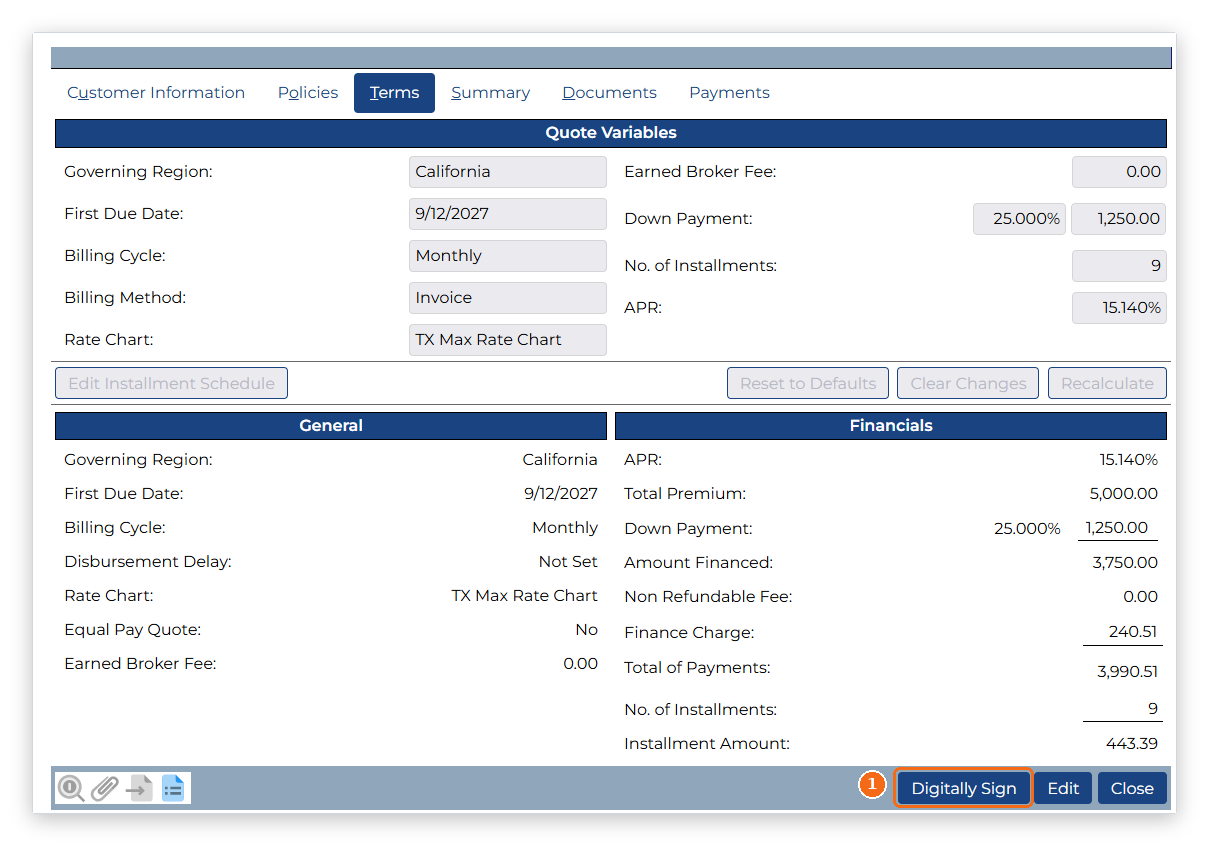
Step 1: Click the "Digitally Sign" button.
From the PBS Agreement screen, click the Digitally Sign button to begin the electronic signature process.
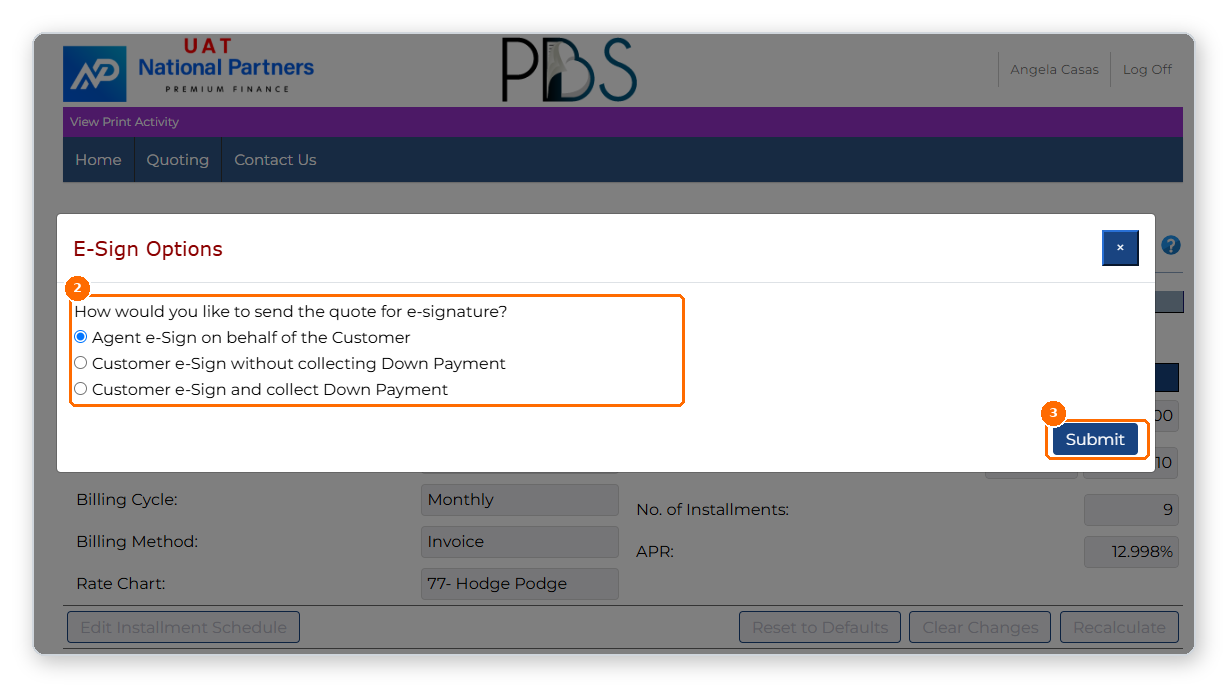
Step 2: Choose Your Digital Signature Option.
Select the appropriate e-signature option based on how your agreement will be signed.
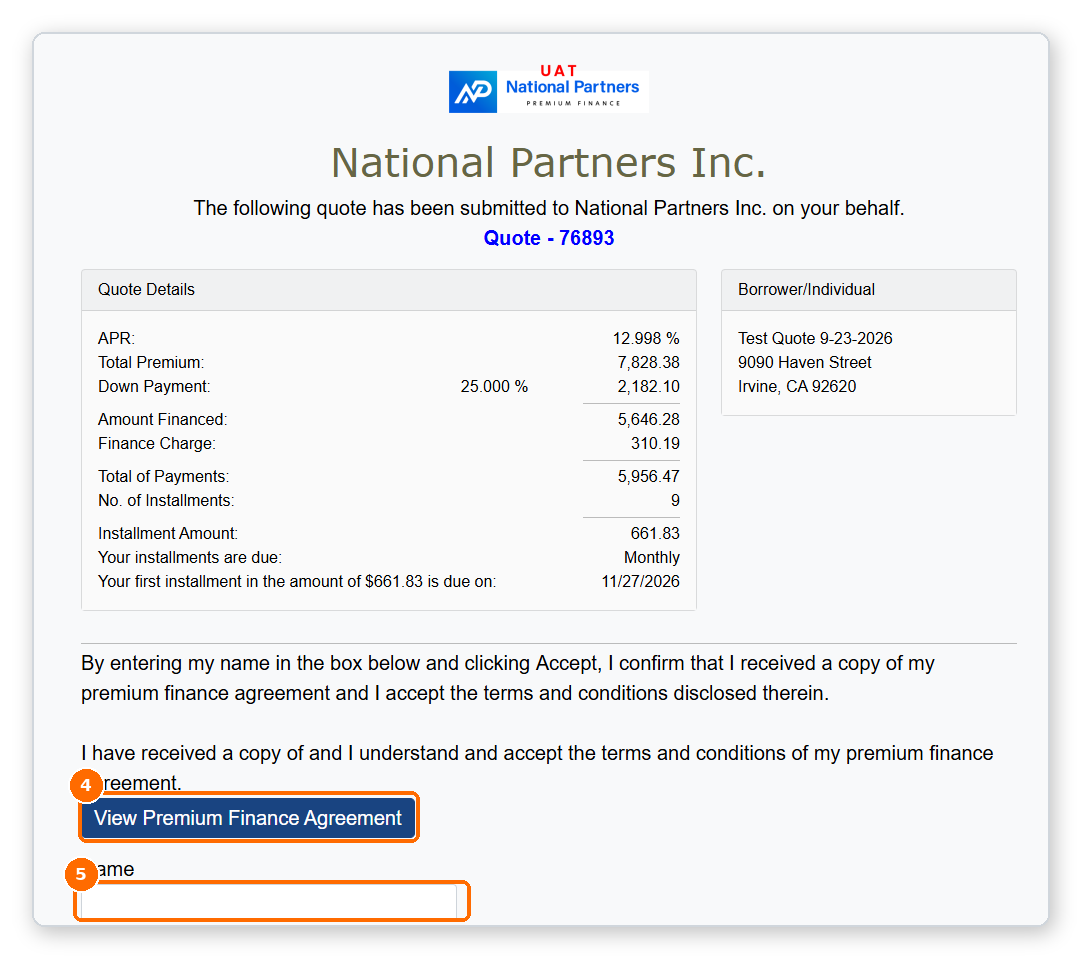
Step 3: Review the Agreement and Sign Electronically.
Review the agreement details, enter the required information, and complete the electronic signature. Important: When drawing or selecting a signature style, ensure the signature is in cursive, as required by National Partners.
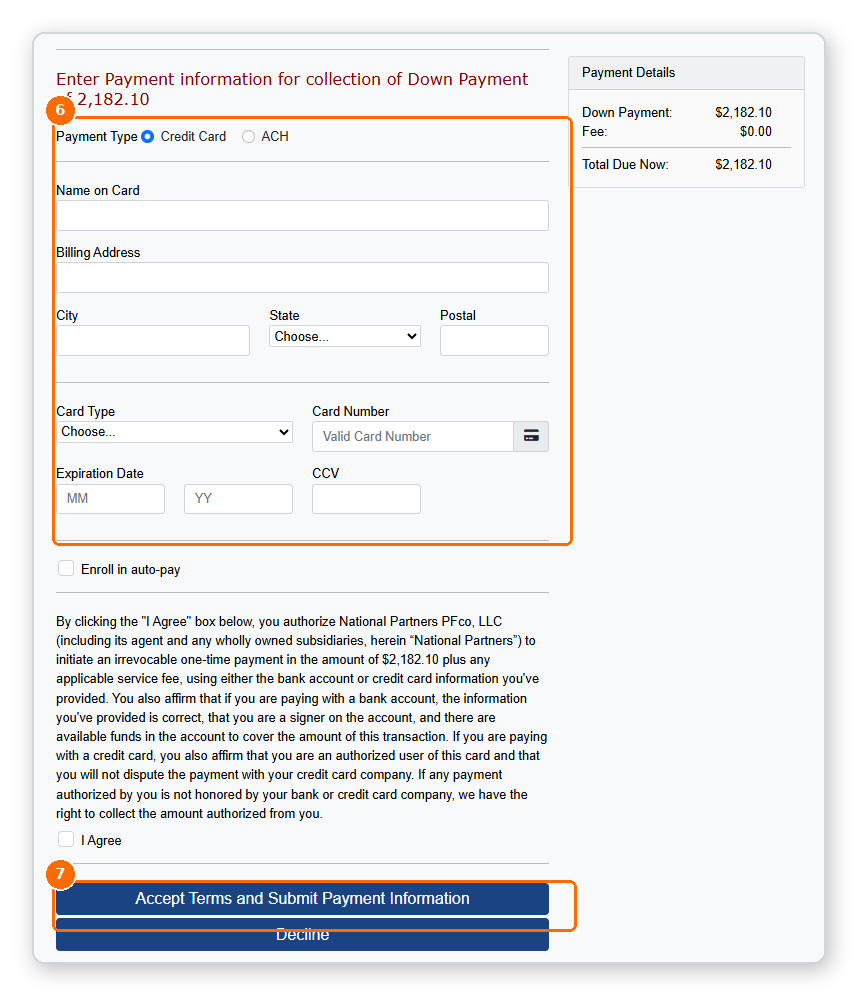
Step 4: Collect a Down Payment (If Applicable).
If collecting a down payment, follow the prompts in PBS to complete the payment process.
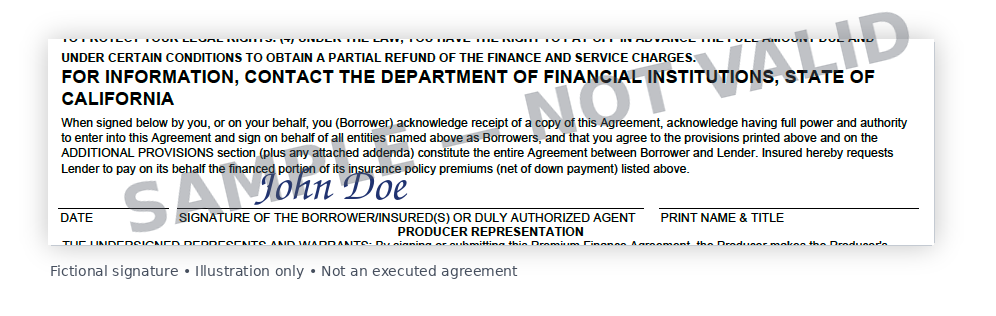
Your Digitally Signed Agreement.
Once the electronic signature process is complete, the signed Premium Finance Agreement (PFA) will reflect the customer's signature.